
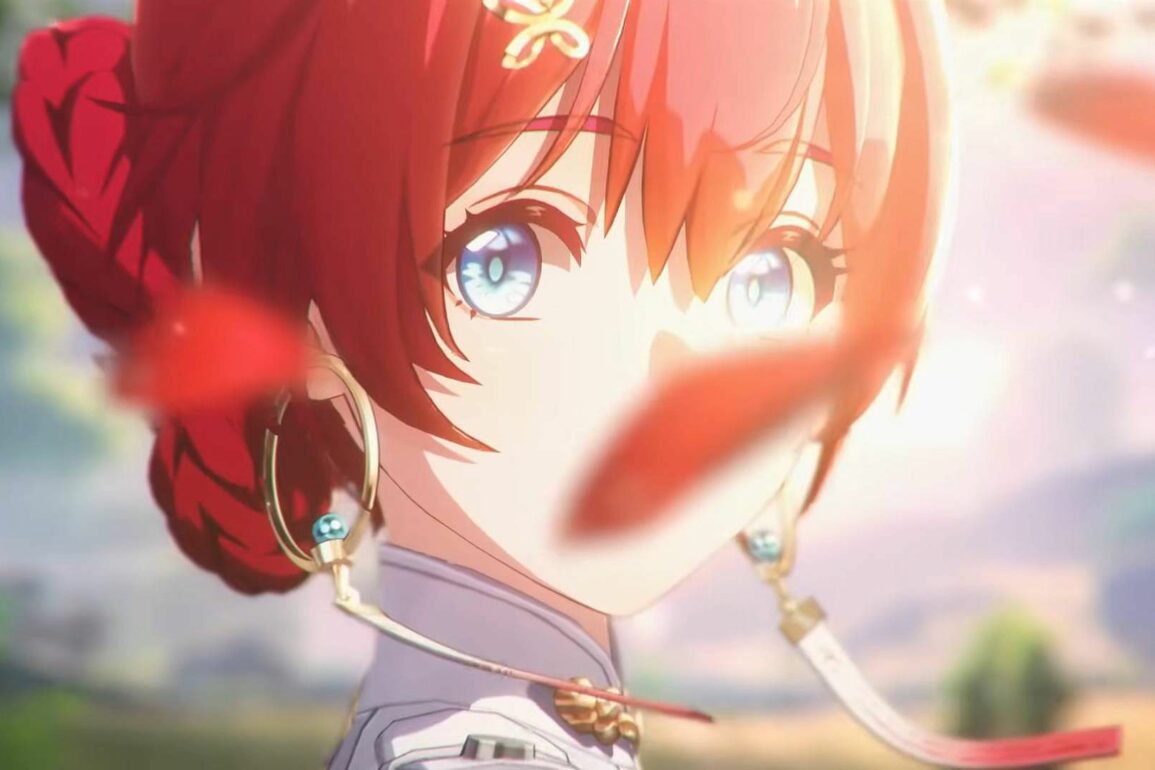
If you were hoping to delete your Wuthering Waves account in order to reroll and get a five-star character, here’s what you need to know.
Now that Wuthering Waves is finally available on PC, players are likely hopping in and creating accounts. When you first open the game, you’ll be prompted to create an account using your email address or by linking a social media account, such as X or Facebook. Of course, you may decide almost immediately or at a later date that you wish to delete your account. Unfortunately, right now, that isn’t an option.
Can You Delete Your Wuthering Waves Account?
No, you cannot delete your Wuthering Waves account on any platform. Despite stating in its Privacy Policy that players can “delete or terminate” their accounts, there is currently no option to. Of course, it is very likely that developer Kuro Games will add the option at a later date for those who want to restart their save.
If you want to have a new account in order to reroll for a new character, you’ll have to use a new email address or social media account. This is a tedious process and obviously much harder to do than simply deleting and recreating an account using your main email. Nevertheless, it’s an option for those who are desperate to do it now.

Whenever Kuro Games opts to add the option to delete your account, we’ll be sure to update this article. As it’s referenced in its Privacy Policy, we suspect the feature will be added in a future update. It will likely come in the next few months. That’s everything you need to know about deleting your Wuthering Waves account. For more guides just like this one, be sure to check out our Guide Hub.
Leave a Reply