
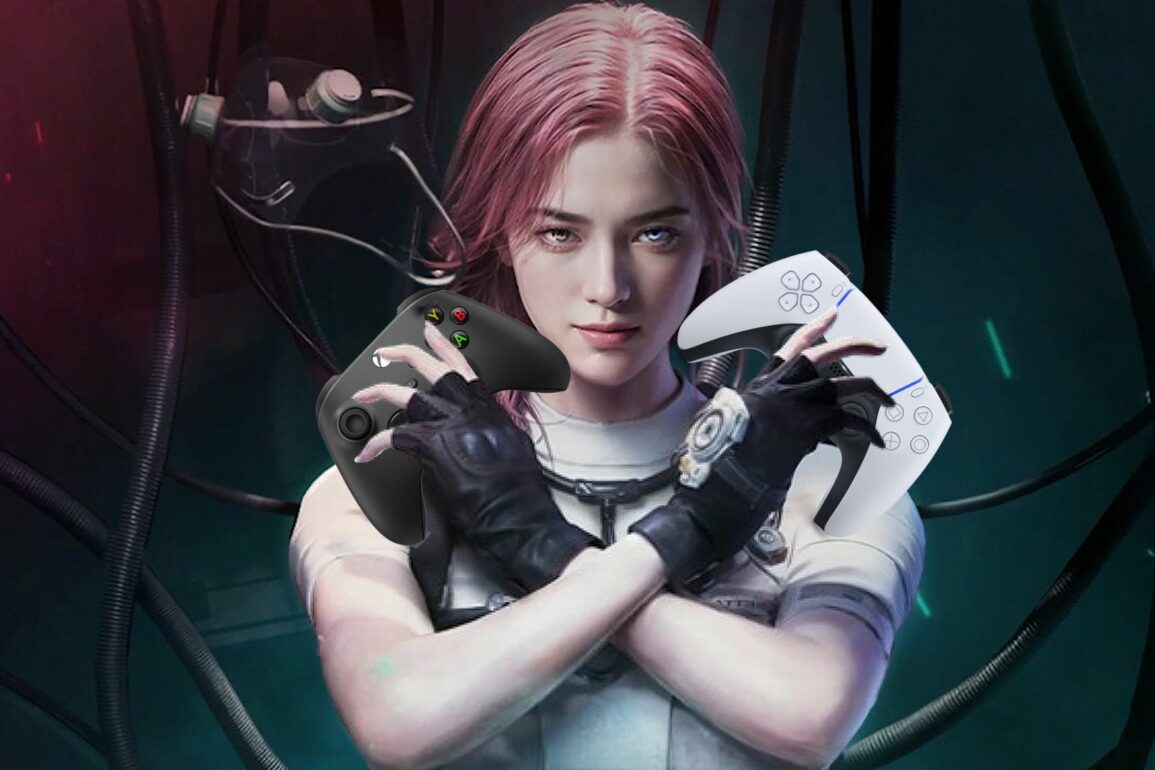
Once Human feels like it would be perfectly suited for controller support. But can you play the game with your favorite controller?
Most PC games come with some form of controller support, although it’s not always guaranteed. Sometimes, a game’s Steam store page will list whether or not there is controller support. However, on the off chance it doesn’t, it pays to look it up. This is absolutely the case with Once Human, where using a controller is possible, although a little fiddly.
Does Once Human Have Controller Support?
No, Once Human does not officially have controller support. You will need to use your keyboard and mouse in order to play Once Human. However, there is a way to use a controller, although it requires a little bit of work. If you’re feeling up to it and really want to use a controller for Once Human, then here are the steps you need to follow:
- Open the Steam app as administrator
- Next, select Steam in the top left, then Settings, and finally Controller
- In this menu, toggle on Enable Steam Input for X controllers
- X is the type of controller you want to use
- Select Add a Game in the bottom right, then Add a Non-Steam Game
- Search for Once Human’s installation folder and select the .exe file
- Right-click on the new Once Human game in your library and select Properties
- You want the TARGET and START IN to be your Once Human installation folder
- The TARGET should be the .exe file
- Finally, click on the controller icon next to the Play button to set your controller layout
- Launch this version of Once Human to play with a controller
Unfortunately, despite being a bit of a complex workaround, it’s the only way to use a controller currently. However, it is entirely possible that controller support will be officially added to the game in an upcoming update, potentially around the game’s full launch. Until then, we’ll just have to use this method or rely on a keyboard and mouse. For more guides just like this one, be sure to check out our Guide Hub.
Leave a Reply