
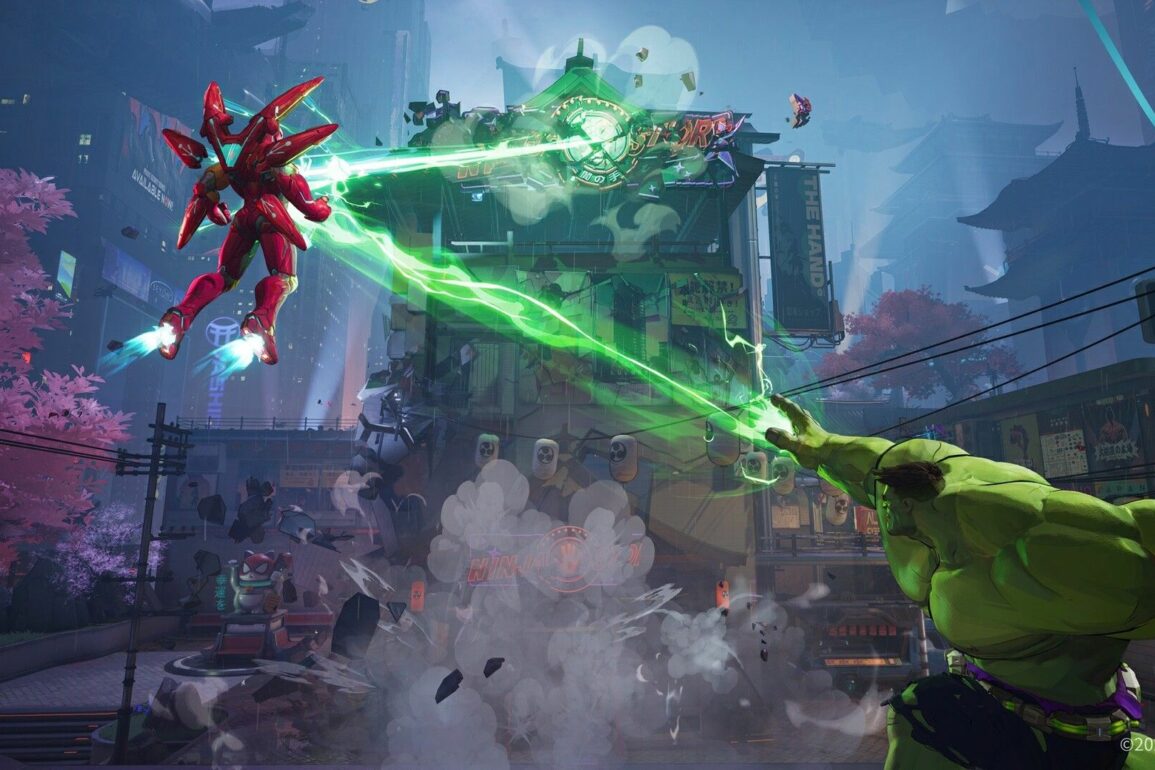
Marvel Rivals lets players set up their own custom games in order to play privately with their friends or alone. Here’s how it works.
Custom games are a great way to practice your skills against bots or play without being bothered by strangers. Fortunately, Marvel Rivals features a Custom Game mode, although it’s a little tricky to get to. In the Custom Game mode, you can choose which game type you want to play, the map you want to play it on, and even add bots. Below, we explain exactly how to set up your own custom game so that you and your buddies can begin blasting each other in peace.
How to Play Custom Games in Marvel Rivals
To start a custom game with your friends in Marvel Rivals, you must choose the Custom Game option from the More Modes option. Once you’ve done that, you’ll be able to invite your friends, add bots, and choose your map and mode. Below, we’ve broken down the exact steps on how to start a custom game in Marvel Rivals:
- Select the Play button located in the top left
- Choose the More Modes option found above “Start”
- Go to the Rivalry tab and select Custom Game
- Select “Create” found under the list of public lobbies
- This will open your own private Custom Game from which you can invite your friends.
- Select any of the plus symbols to invite your friends

Once you’ve started your own lobby, you can also add bots. This is perfect for those looking to play alone or if you’re short on players. Simply select the “Add Bots” button at the bottom and choose between the three available difficulties: easy, normal, and hard. You’ll also be able to choose which game mode you want, as well as the map. Finally, you can alter the Room Settings to change whether it’s a private or public lobby. Simply choose which option you prefer under the “Join Access” drop-down menu.
That’s everything you need to know about making a custom game in Marvel Rivals. For more guides just like this one, be sure to check out our Guide Hub.
Leave a Reply